01The challenge
Advisors shouldn't have to open five tools to answer one client.
Disconnected tools, repeated work
OVB is a financial advisory business, and its teams were working across disconnected tools. To serve a single client, an advisor might need to look in several systems, re-enter the same details and hand work over from one tool to the next.
That is slow for the advisor and risky for the business, because details drift out of date between systems. The goal was one shared place for client records, daily tasks and team collaboration, built so advisors would actually want to use it.
02Strategy
One workspace, built around the daily jobs
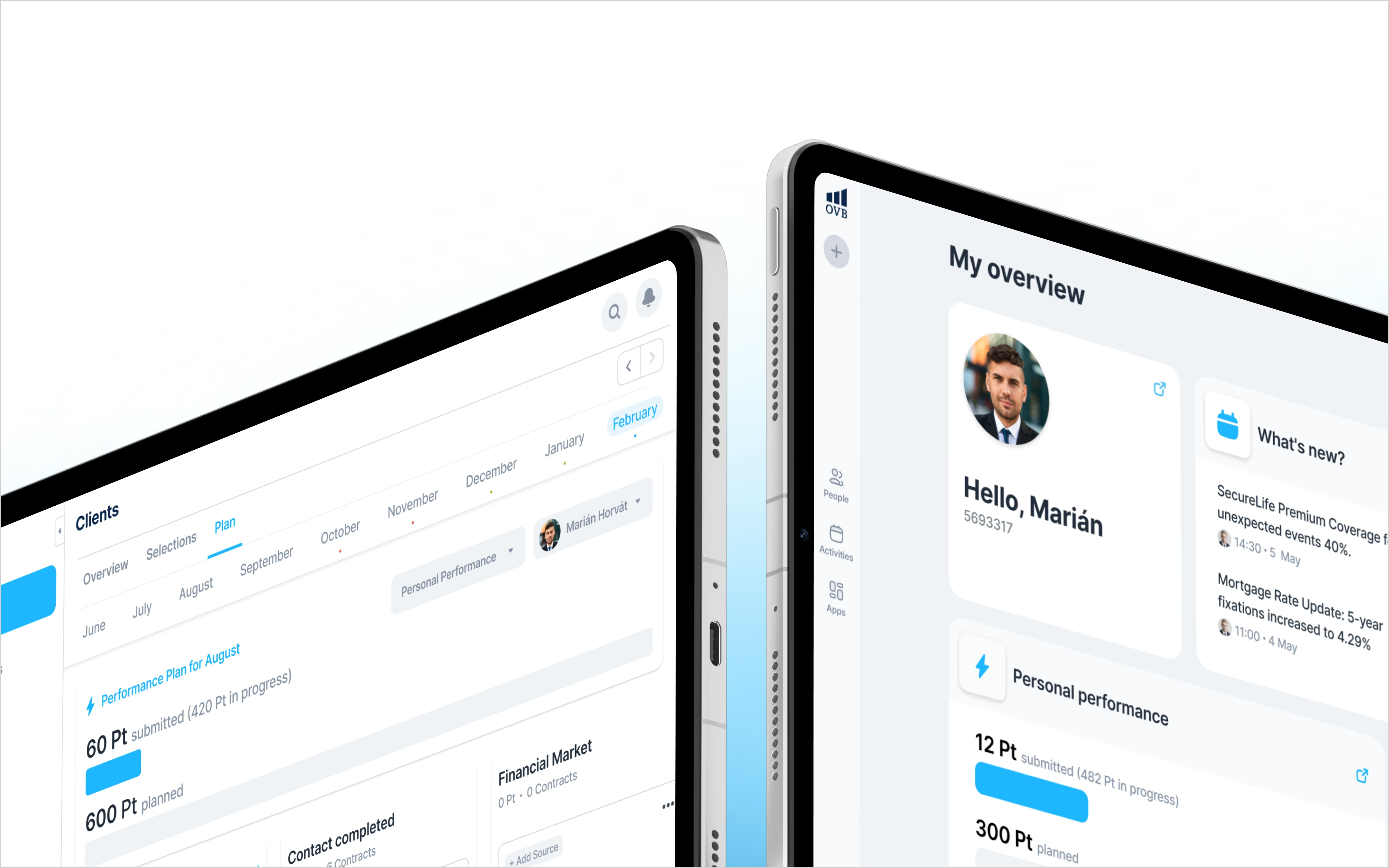
We brought five systems into Aero, a shared CRM. Advisors manage more of their work in one place, with less repeated data entry and fewer handovers, and OVB gains a connected foundation for daily operations. We designed it around the jobs advisors do every day, and not around the structure of the old systems.
- 5
- Tools integrated into one platform
- 2,000
- Daily users
- 20–30%
- Improvement in work efficiency, reported in a user survey
OVB's figures, from a user survey of Aero's advisors.
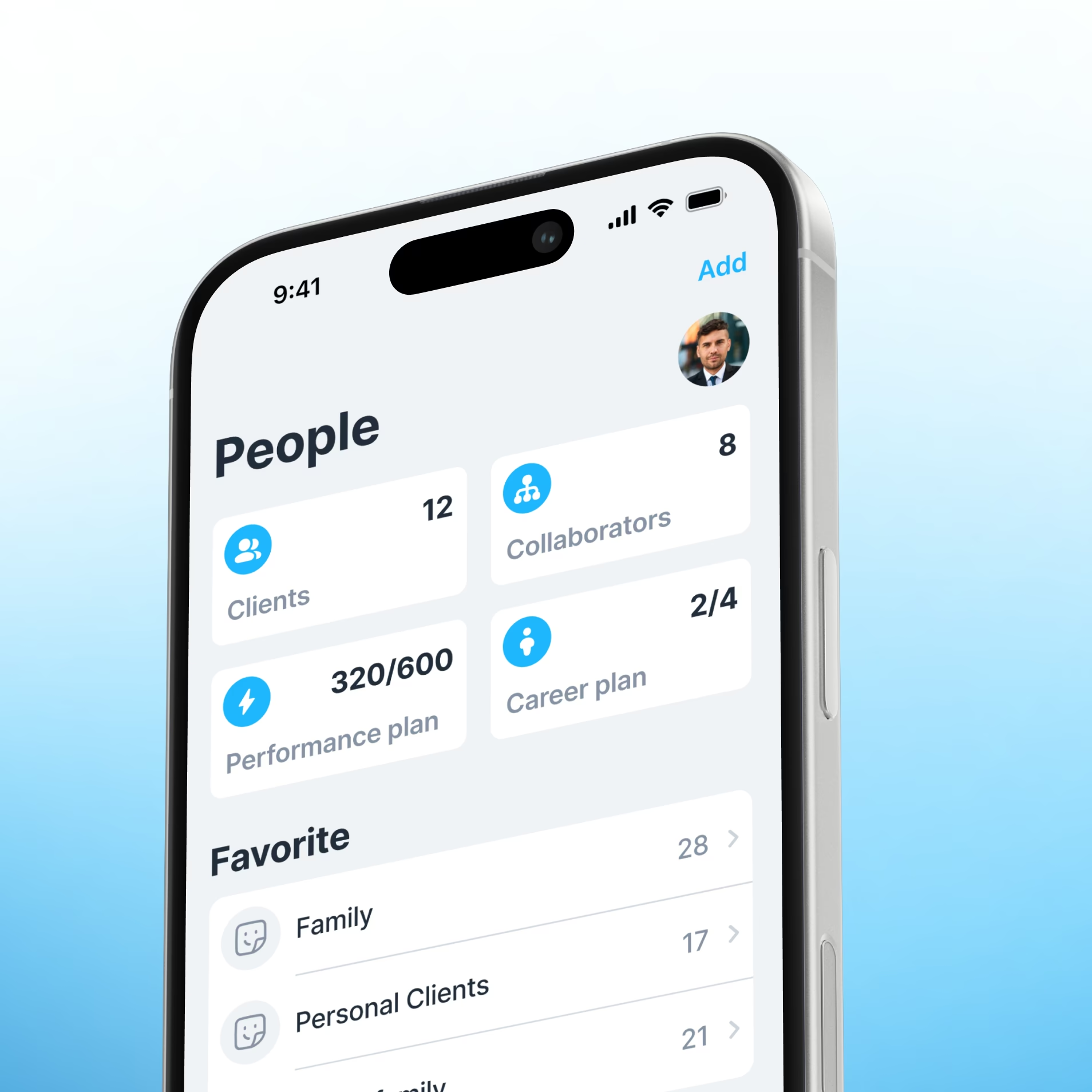
Everything about a client, in one workspace
03Workspace
Client information in one workspace
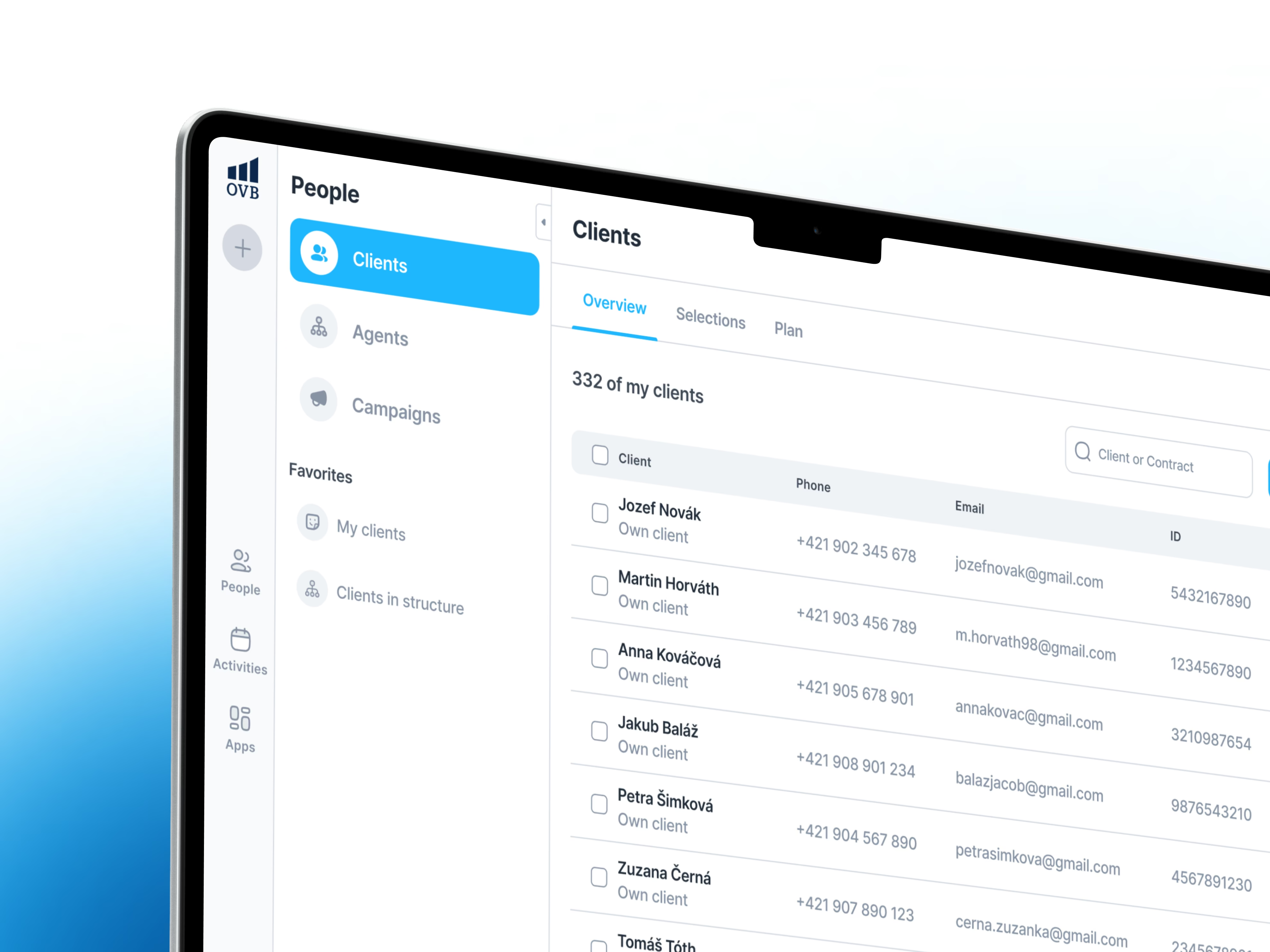
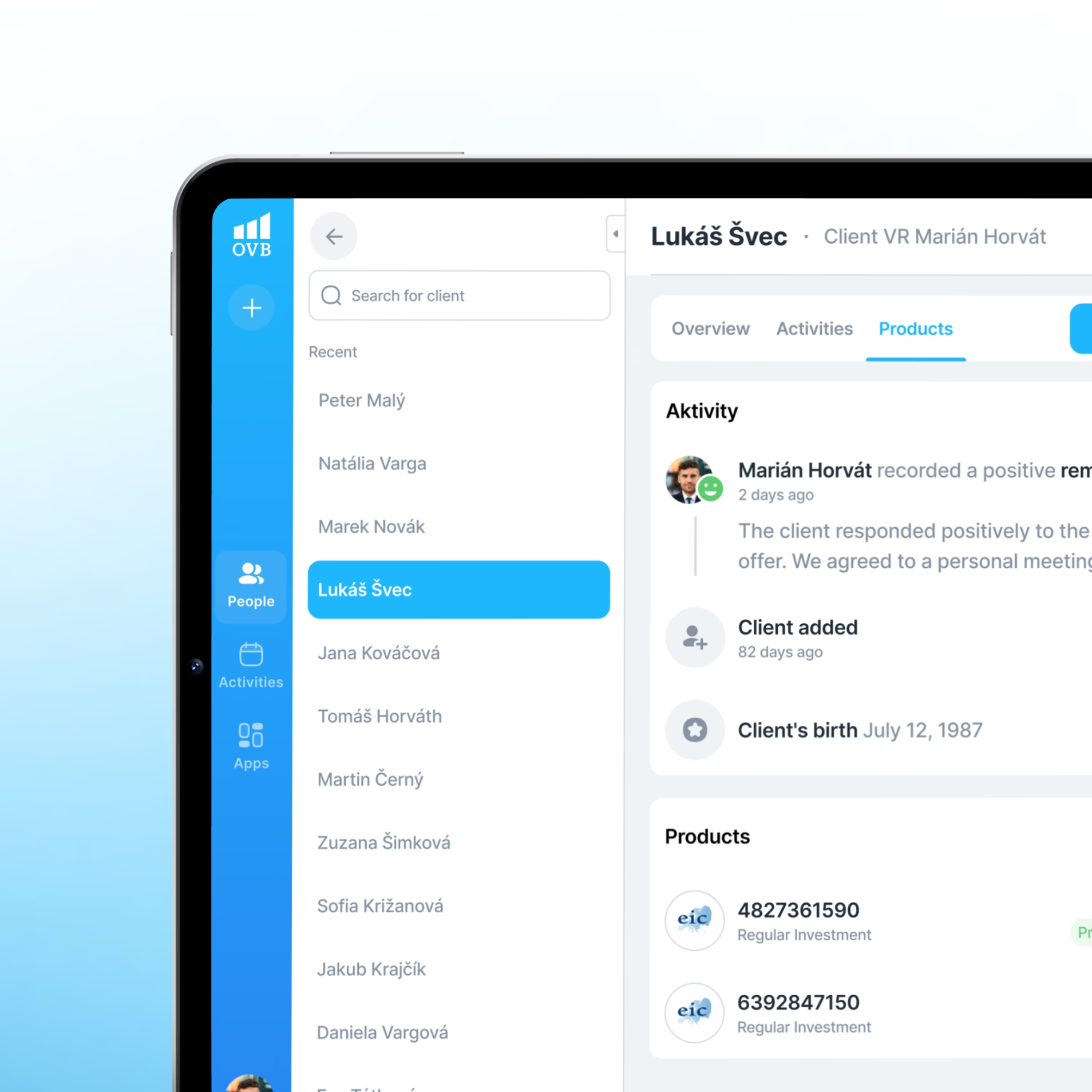
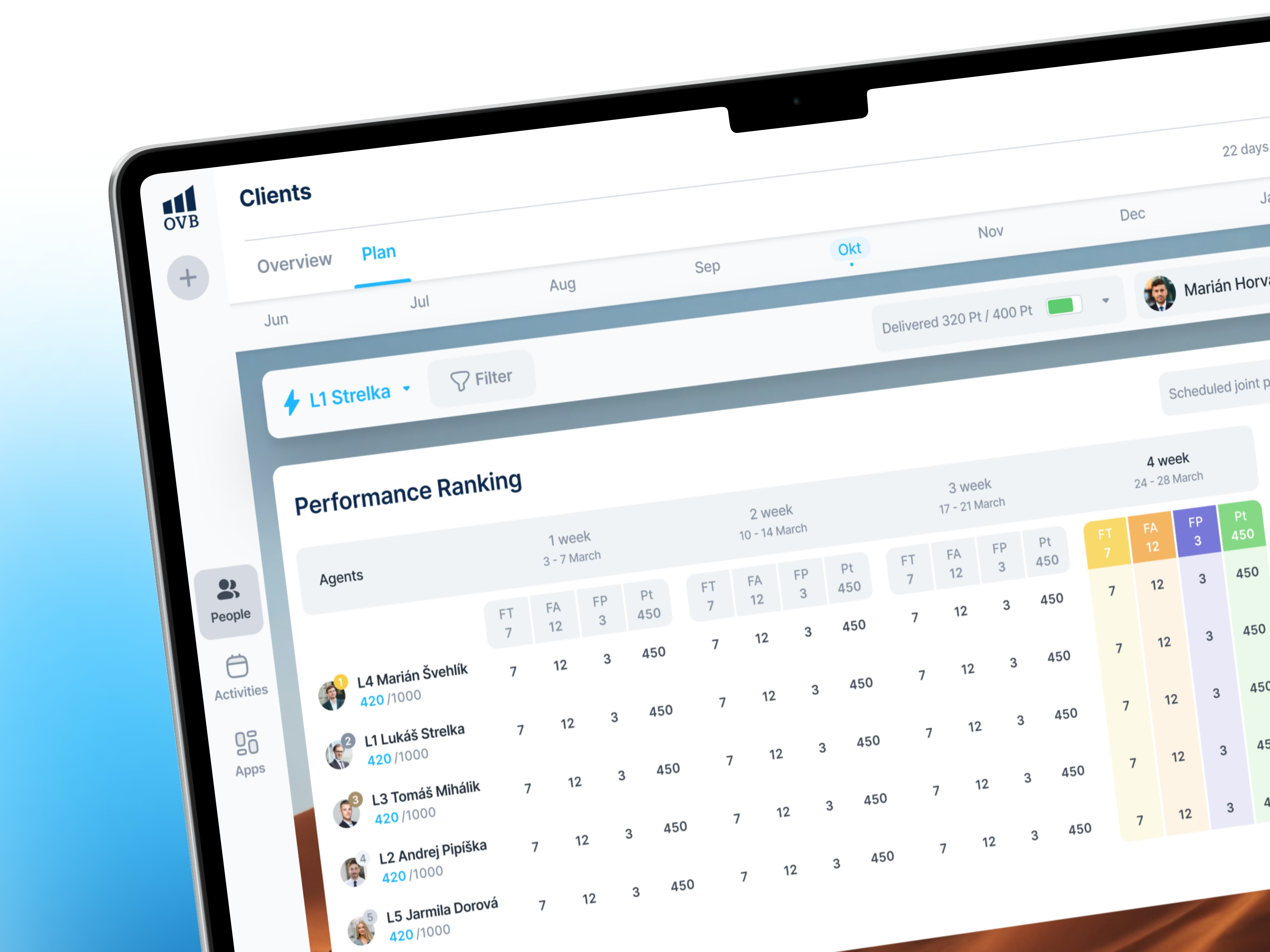
Advisors needed information from several systems to serve one client. We connected those sources so more of their daily work happens in Aero: client records, internal applications and available partner data, with the detail behind each client within reach.
OVB can add connections as its needs grow, with further partner integrations continuing through the rollout.
04Daily work
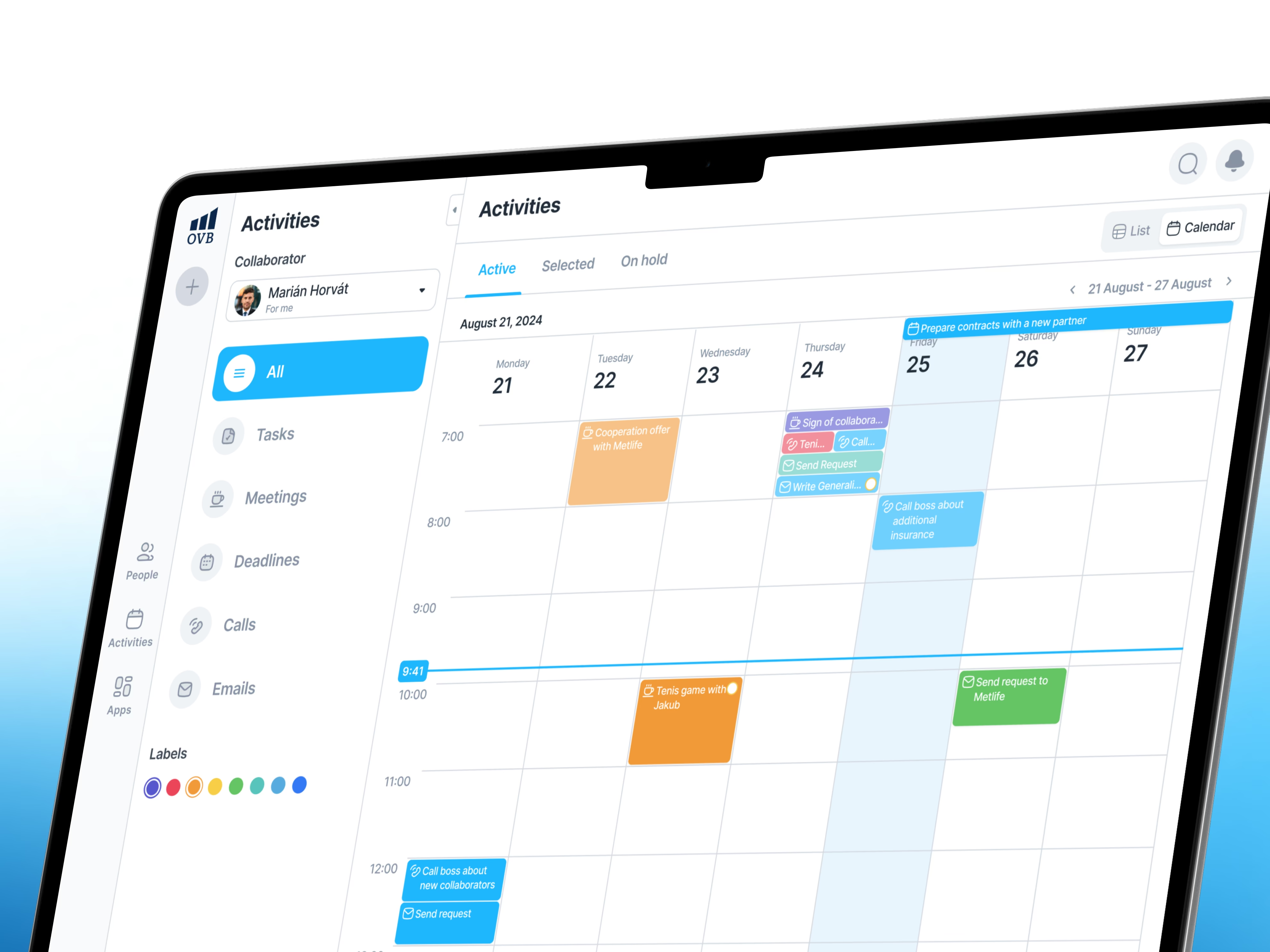
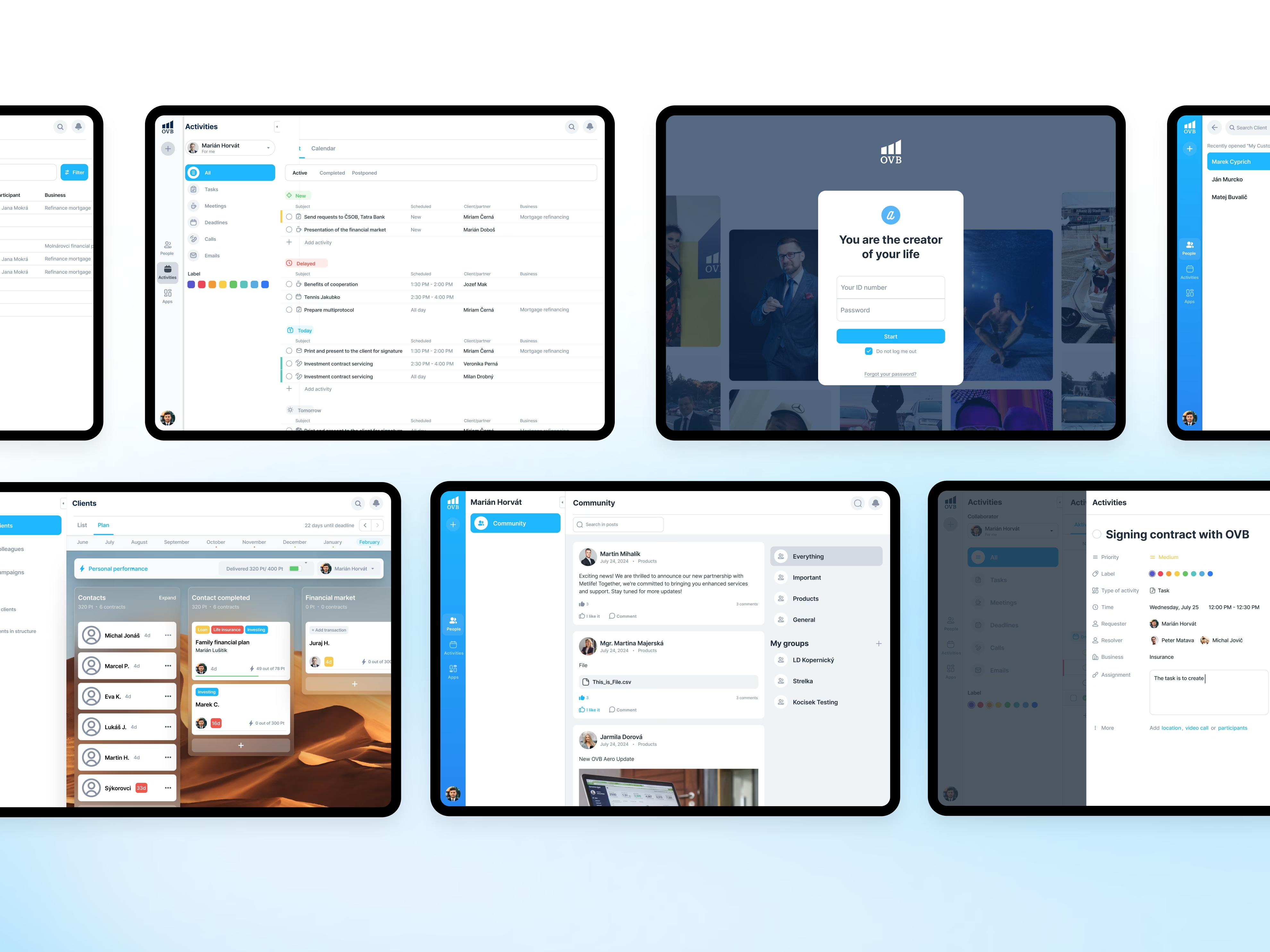
Meetings and tasks in the same place
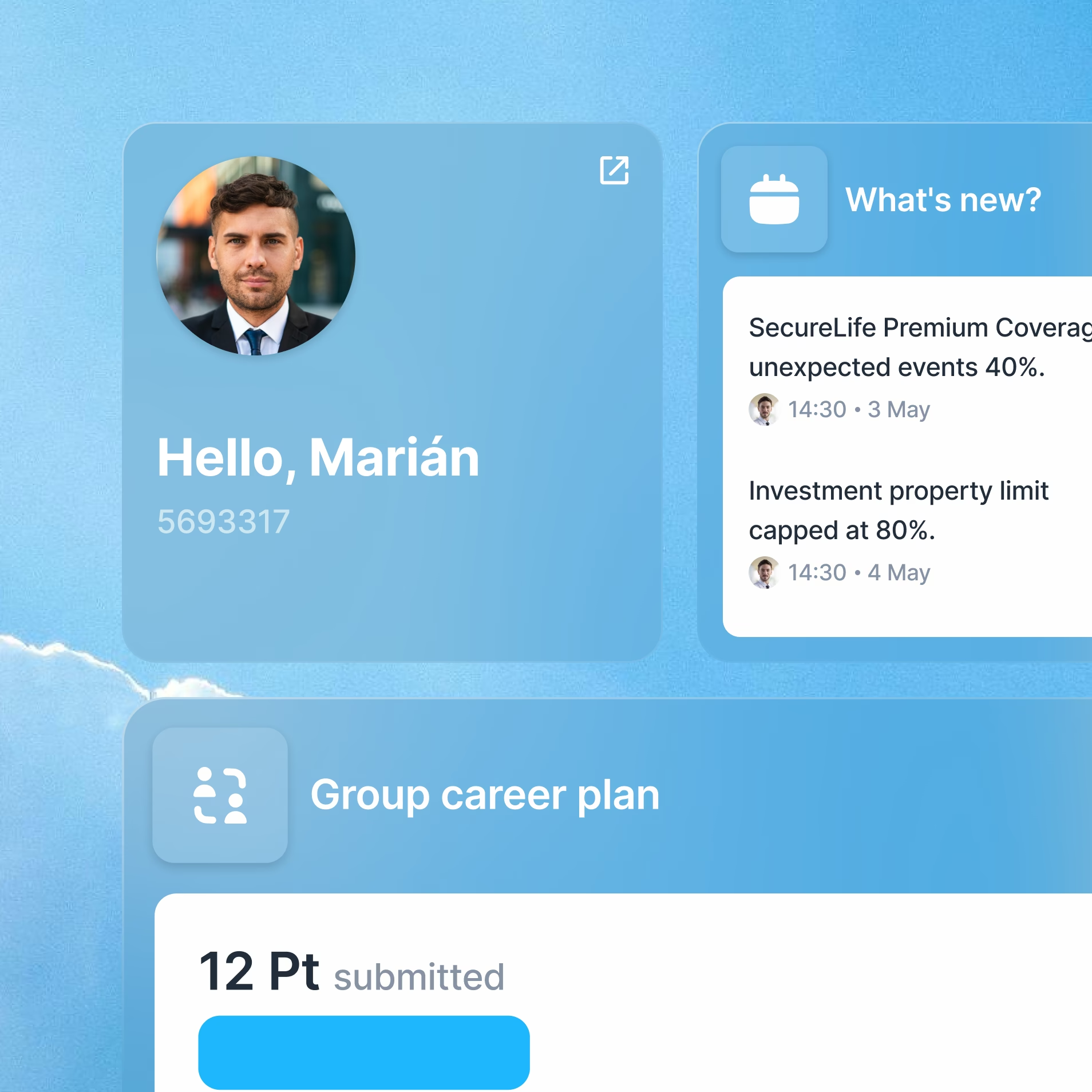
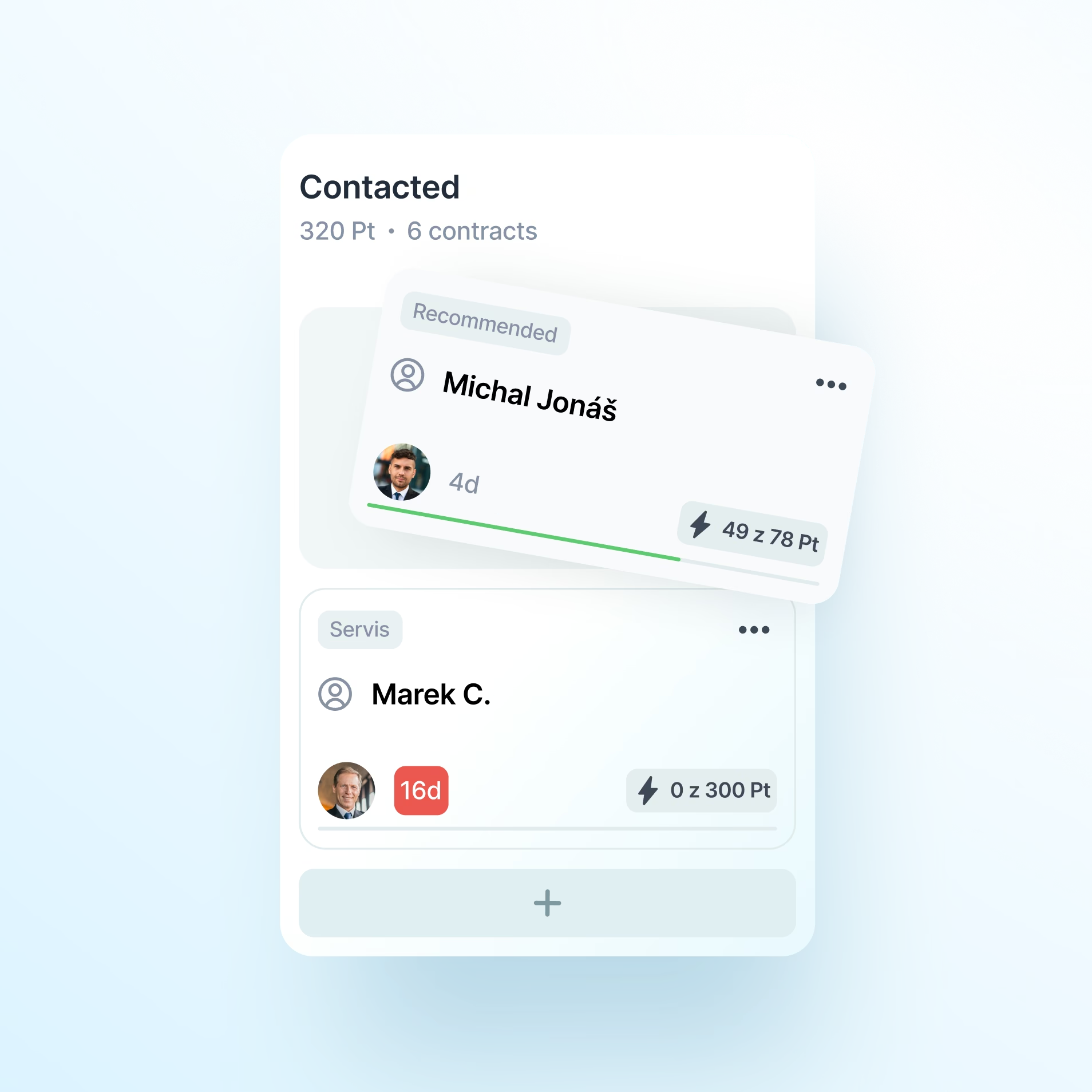
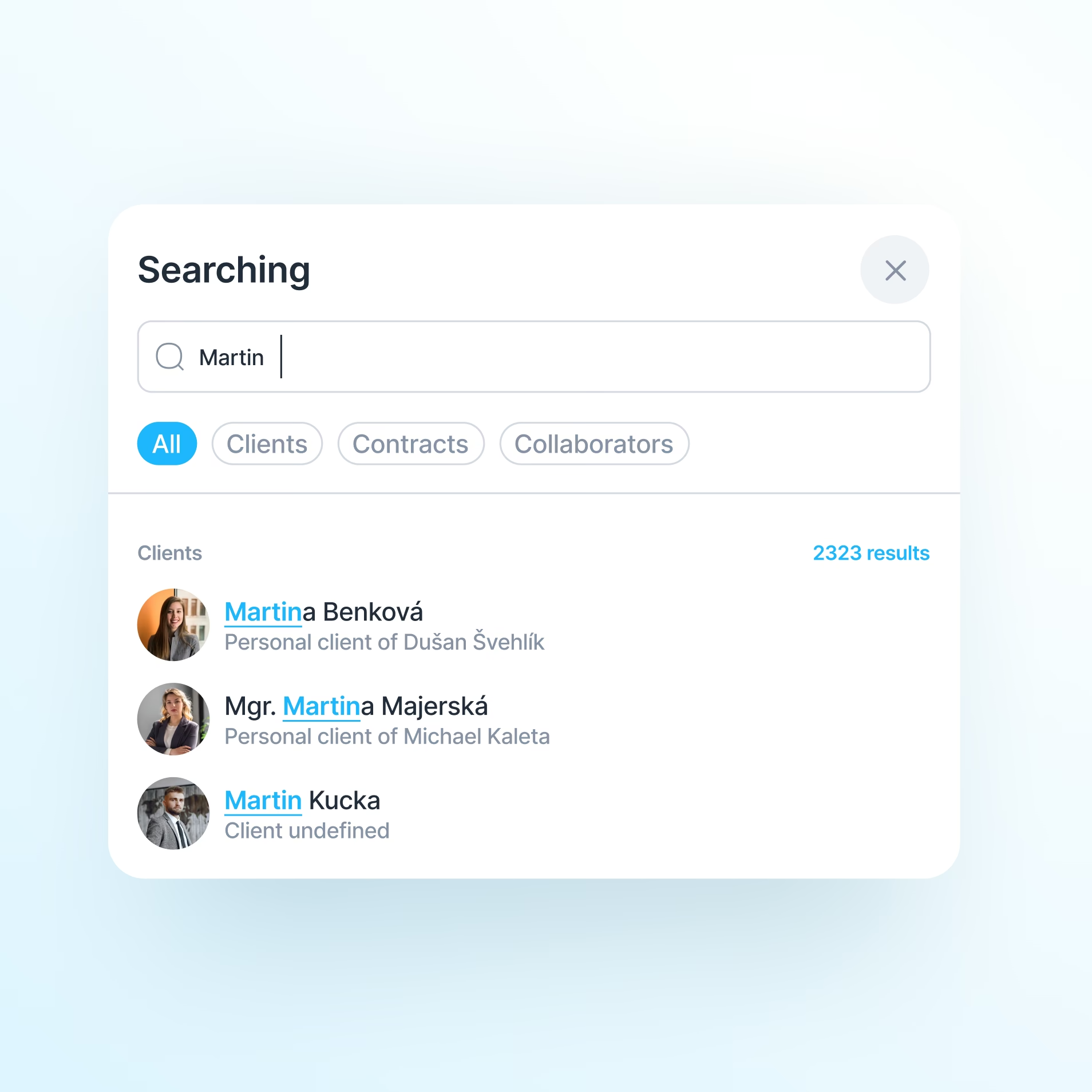
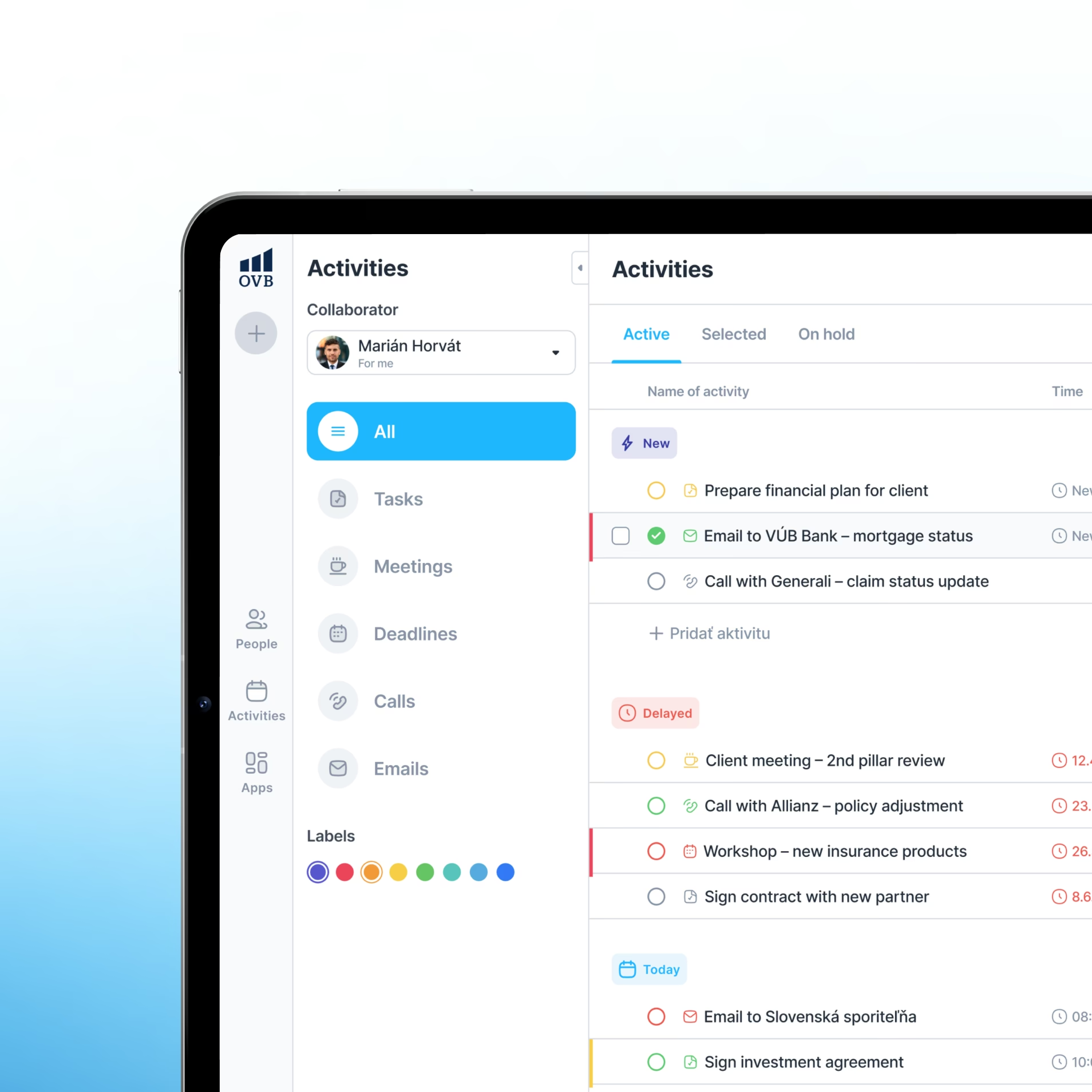
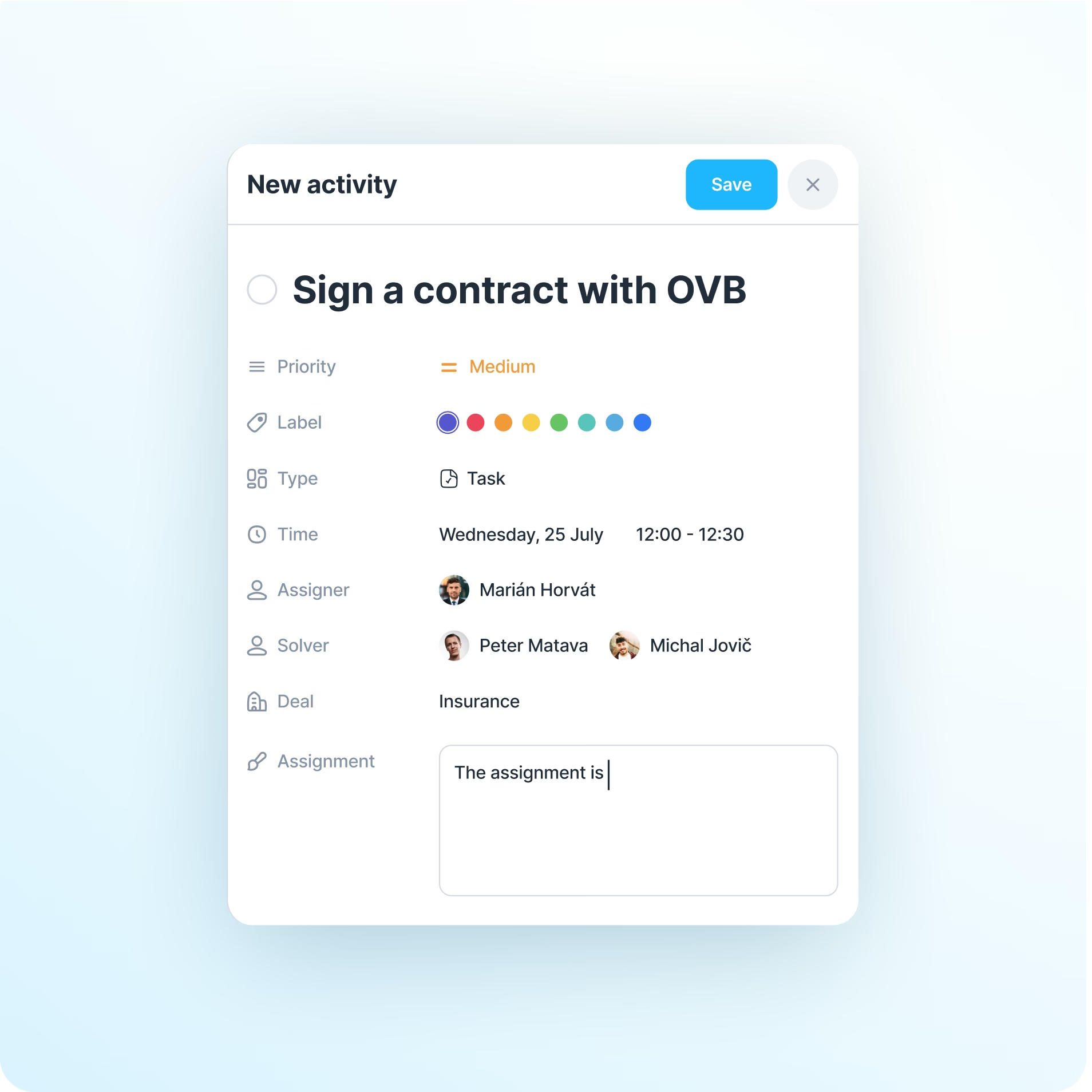
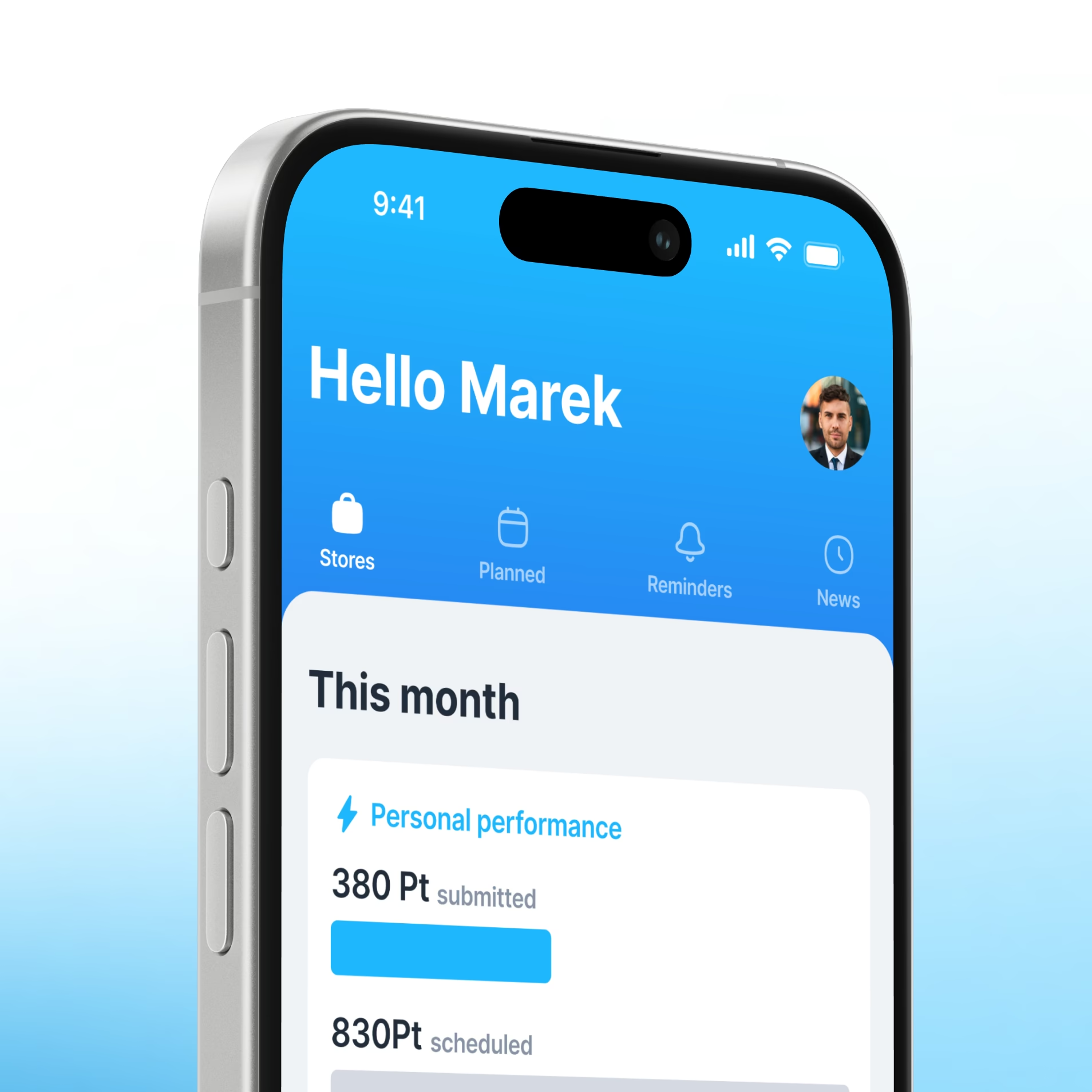
Find a client. Plan a meeting. Follow up on a task. Aero puts those everyday actions in one workspace, with the context advisors need to continue. Client profiles connect with planning, activities and notifications, and back-office teams manage the information behind them.
Each part supports a real job, so the platform can grow without making every user work through every feature.
05Data and rollout
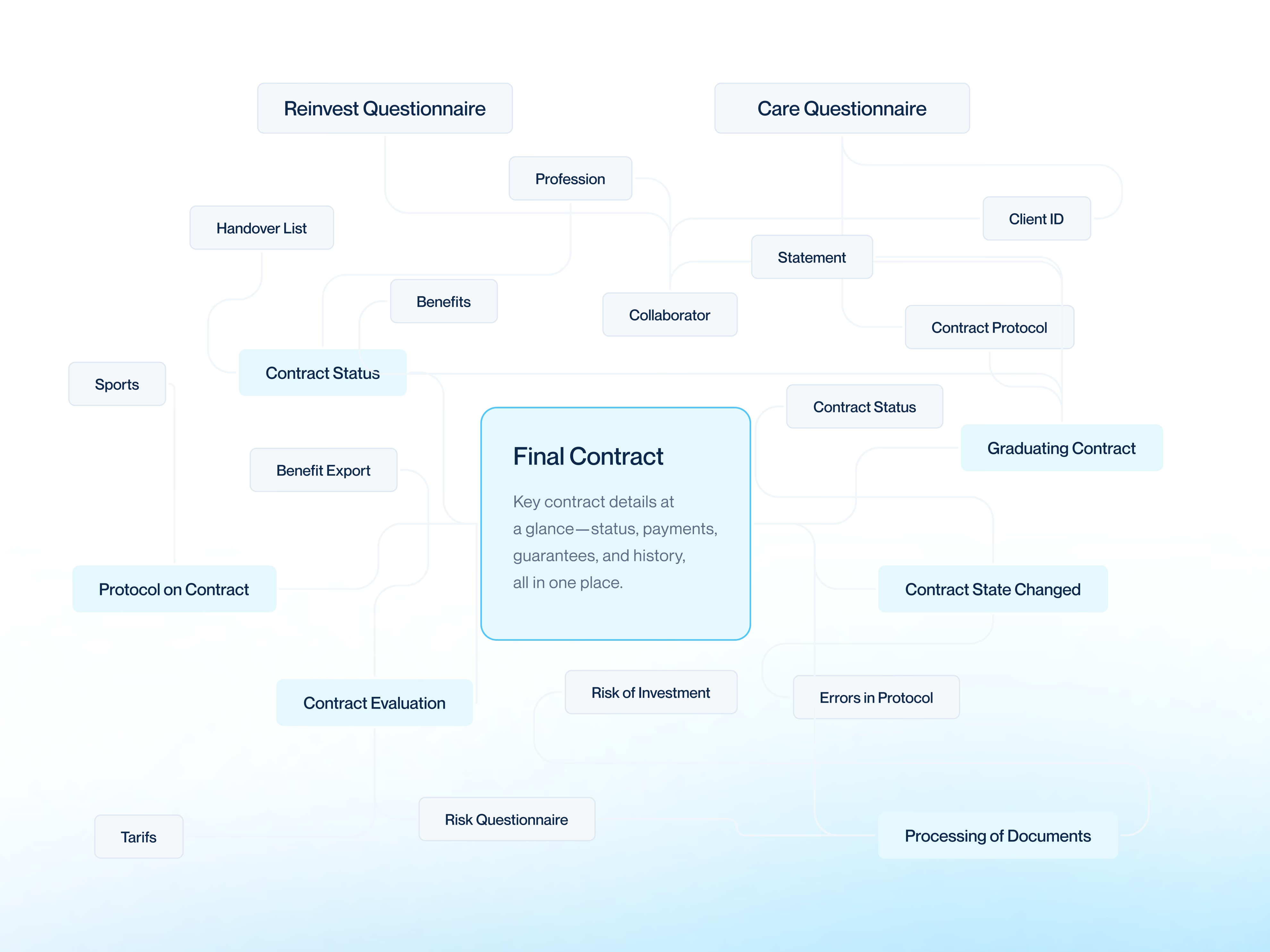
Making inconsistent records dependable
The old systems stored information in different ways, and some source databases were regularly rebuilt, which made changes hard to track. Advisors can only rely on a shared client view if the records behind it agree, so we created a consolidated data store that tracks updates and keeps records consistent across Aero's workflows.
Search and filtering were optimised as data volumes grew, helping advisors find the right record without losing their place.
A rollout people could adopt
A shared system only helps if people can work with it comfortably, and advisors have different habits and levels of confidence with software. We worked with OVB's design direction, refined the implementation around daily use, and moved to a phased rollout.
- 01
Understand the work
Learn how advisors really move between clients, tasks and tools.
- 02
Connect and build
Bring the five systems together and refine around daily use.
- 03
Roll out in phases
Introduce Aero step by step, with more integrations as it grows.
06Deliverables
Discovery
- Workflow mapping
- Rollout planning
Engineering
- Five-system integration
- Consolidated data store
- Search and filtering
Experience
- Client profiles
- Planning, activities and notifications
- Design consulting